BTM_Pix
-
Posts
6,155 -
Joined
-
Last visited
Content Type
Profiles
Forums
Articles
Everything posted by BTM_Pix
-
Ah...right OK Putting it into HD mode does indeed make them playable (both 24fps and 120fps clips) and it does indeed have to have the same codec selected as well. I didn't realise that those settings were an entire system wide mode setting rather than just being for record. Interesting. Thanks both.
-
Bit of a strange one today... Shot 10 clips in 120fps HD mode that when I came to review them later on in the camera didn't actually appear. Selecting next clip in playback menu just bypassed all 10 of them and went to the next clip that it found that wasn't 120fps. Checking the Cfast card and they are all there in their correct folders but the camera just doesn't want to play them. Thinking this might be an undocumented "feature" that wasn't in the manual, I had a scout around and couldn't see anyone having reported or commented on something like this. So I've just shot another 120fps clip and lo and behold this one plays back in the camera but the other ones still don't. Very strange. Anyone else had anything like this ?
-
If you ever fancy experimenting in shooting 3D in a very easy way then keep your eye out for one of the Sony TD range of camcorders (10,20 or 30) popping up used for a cheap price. The lenticular screen on those to let you monitor and playback 3D without glasses was very effective and as Sony were obviously trying to push 3D they didn't skimp on the spec of the rest of the camera either. When those cameras didn't become a major hit, I definitely took that as the sign that 3D was doomed for consumer content generation as they should have been massive. You would think that considering they are a 6-7 year old consumer camcorder of a failed format that you would be able to pick one up now for less than £100 but, like the Samsung NX1 I suppose, people who have them know how good they are and are in no rush to get rid of them and they still command a surprisingly high price when they come up for sale. Definitely the sort of product to keep an eye out for in secondhand shops like CashConverter and CEX though if you fancy a dabble in 3D.
-
Although DuetDisplay is primarily pitched at using your iPad (or iPhone) as an extension monitor to your Mac, it can actually be used as the primary monitor to do what you are after. There was an issue with one of the more recent OSX updates that stopped it working but I believe they have updated it recently to resolve it. https://www.duetdisplay.com/#
-
The Febon product works and is about $180. If you look on their YouTube channel you will also find tests of it's latency, which is actually pretty good. There are also some other alternatives that are primarily intended for game capture but also some low cost generic ones. If you google "Android HDMI UVC" then you'll get some options. Basically, if the device is UVC compliant (and your Android device supports UVC) then it will show up as a video input source in monitor apps such as CameraFi .
-
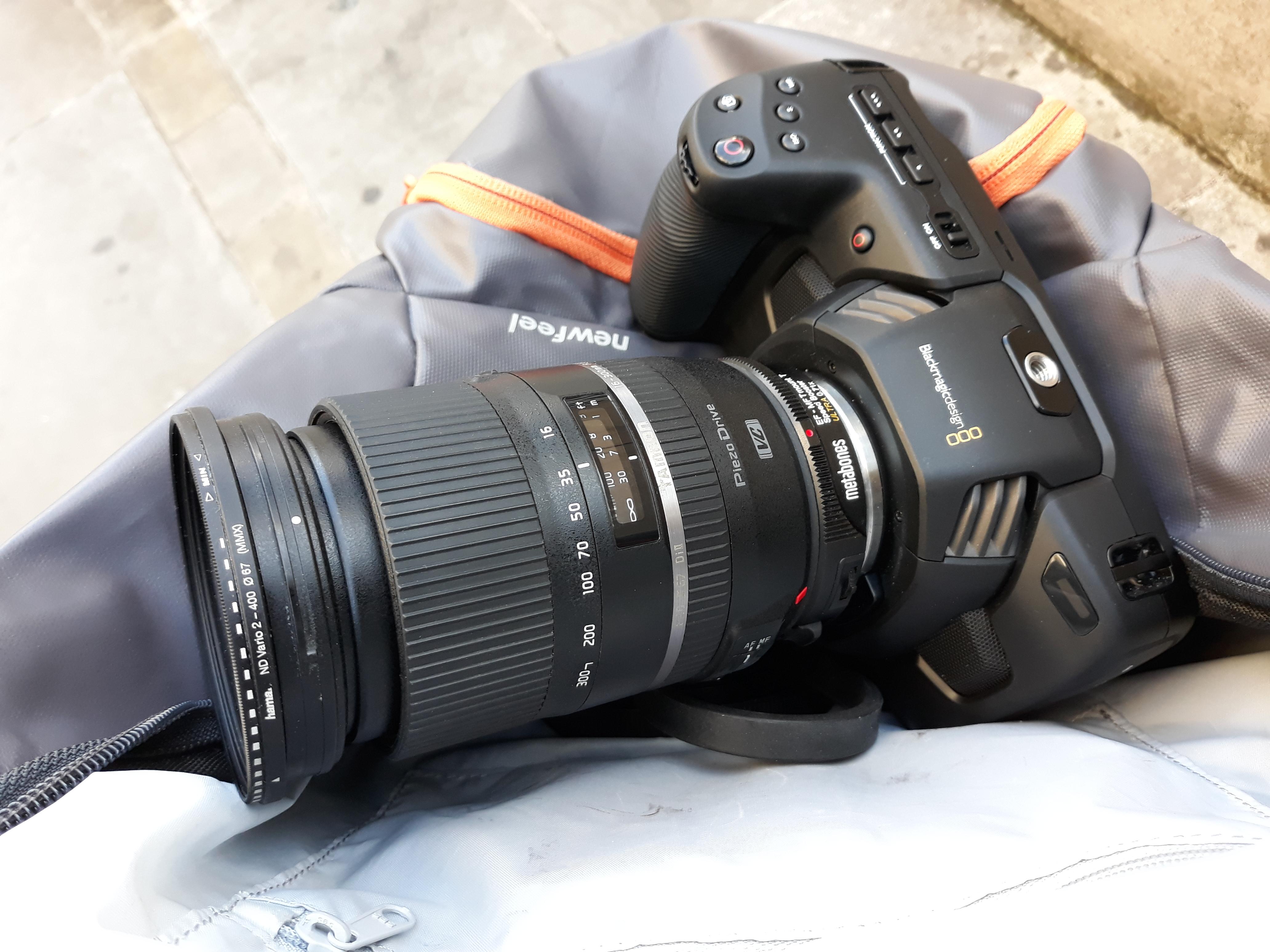
You should probably cue the X files music in the background because I have literally just bought a used one of these lenses about an hour ago as a general purpose lens for a few different cameras and put it on the BM4K! My live report from the scene is no vignette, reports f2.5 on the short end and f4 on the long end. VC works and is surprisingly effective at the long end. No AF though either one shot or touch.

-
I think 6 AA batteries would run longer than the battery pack based on that initial test. I don't have those swit ones for the LS300 but I know the ones you mean. When I get back home on Friday, I'm going to plug the dummy battery into the SmallRig Sony adapter one in the post above as I have a few of them kicking round which I use to power various things.
-
Another model to keep an eye out for used is the Teradek Clip. It was primarily intended for drones so it is quite a lot smaller and also usually cheaper as well but they don't come up on eBay that often.
-
The only thing Apple seem keen on you using as an input source on the iPad is your credit card number for the app store so I doubt there will be anything new beyond the usual camera control apps over WIFI like Panasonic etc. For the Pocket4K there is actually a workaround for them not having a similar app by using a Teradek Vidiu encoder or the cheap Chinese versions of it which convert HDMI from the camera into a live stream which you can then view on your iPad using VLC or a similar app. The beauty of doing it like that is that you can have more than one client connection so multiple people can monitor it if you need to distribute it around a set. The non-beauty aspect of it is that its not cheap if you use the Teradek one and somewhat clunky if you use the cheap Chinese ones. Although, as it runs on Android tablets as well, you can probably get the Teradek and a tablet for roughly the same price as the iPad I think the trick is to use the camera as a very expensive SD card reader and connect via USB
-
Has your one shown up yet?
-
 The problem you do come across in the UK though are the number of places where there is a not unreasonable presumption of them being public spaces when they aren't in fact public at all but privately owned. This means that the owners are perfectly within their rights to stop you taking photographs and more often than not have security staff who are keen/bored enough to enforce those rights. Unfortunately, there is very little in the way of signage to inform people that the seemingly public square or whatever they are standing in isn't public at all. So the first they will know about it will be when a security guard appears and tells them to stop taking pictures. And with the blanket CCTV coverage of these places, they definitely will appear. London is particularly rife with these pseudo public spaces but by no means unique in the UK. https://www.theguardian.com/cities/2017/jul/24/revealed-pseudo-public-space-pops-london-investigation-map
 -
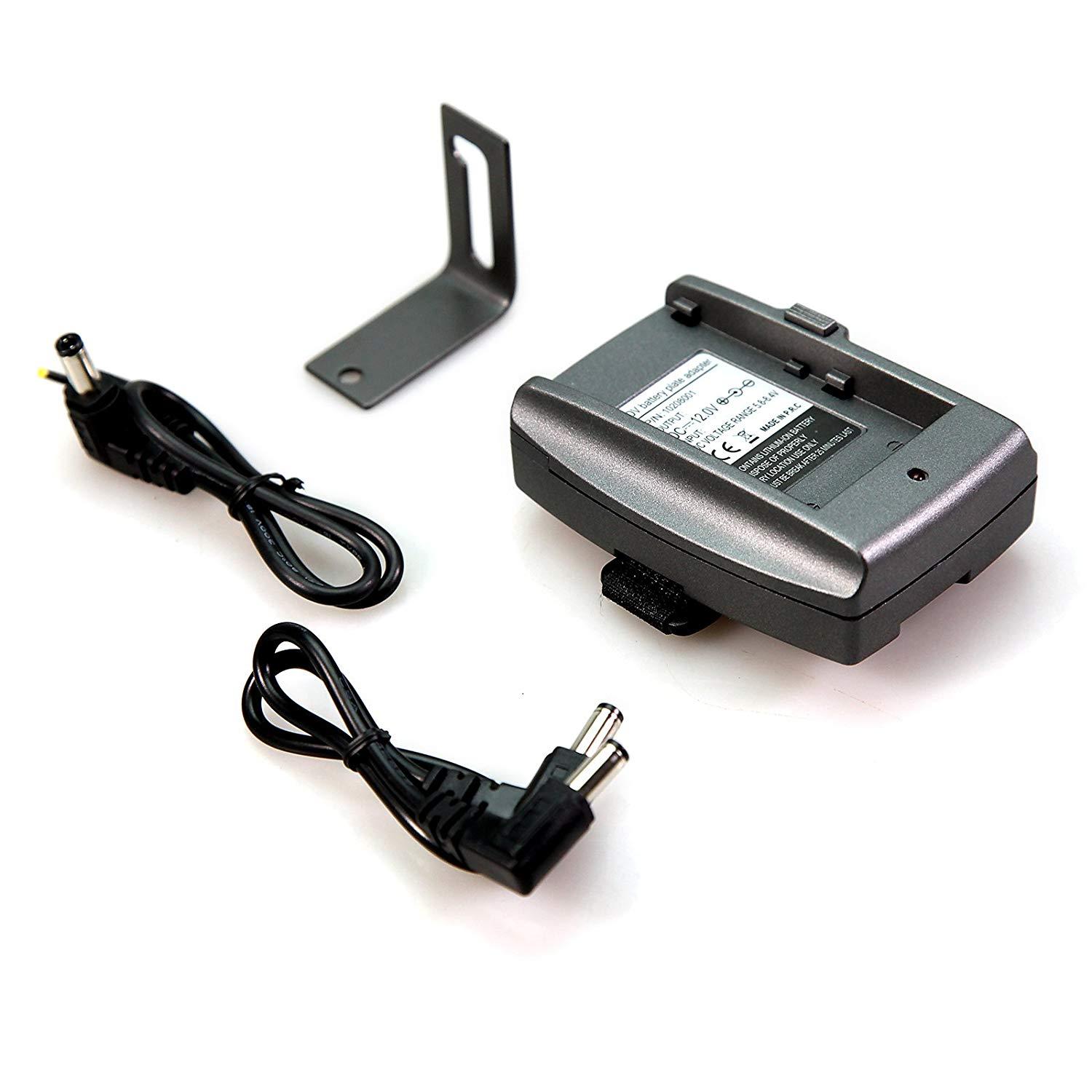
Yeah, I'm not expecting great things of it. I was looking for a dummy battery and this was only a few quid dearer so I figured the worst case scenario was it would be a cheap power bank for less strenuous charging tasks! The dummy battery will be pressed into use with the cheap SmallRig Sony F adapter when I get back.
-
Sorry, when I said 0% I meant 0% and it switched Off with 3 bars still showing on the power bank. Seems to be a global conspiracy of lies regarding power indicators !
-
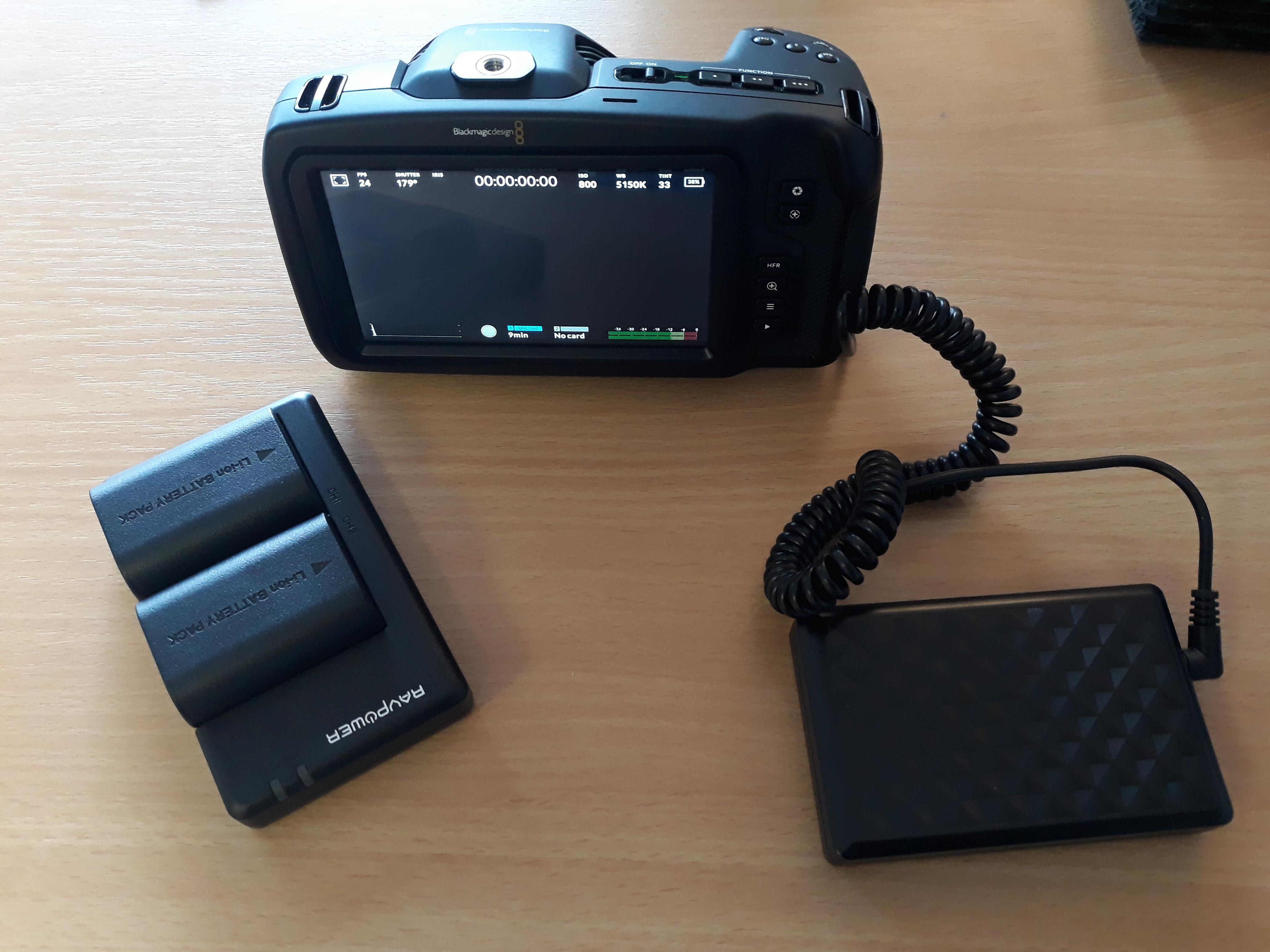
Two power options turned up today, the RAVPower twin battery pack and charger and the £35 EXPro battery pack and dummy battery set. I need to fully charge everything but quick reaction is the RAVPowers activate the % battery indicator (unlike BM's own one !) and the EXPro does too. However, the EXPro went very quickly from 39% down to 0% despite showing 3 out of 4 bars on the battery pack. As I say this is just a preliminary "does it power up at all test" so don't read too much into that at this stage because the power bank was tested as is when it come out of the box. I'll update in a few days when I get back from this trip and can test things properly.
-
I agree that it would be nice to have additional tools but I have to say that I think that with Pocket 4K having false colour available (especially on a hardware switch) it will get a lot of people, myself included, closer to where they want the exposure to be a lot quicker. The very quick contextual overview it gives you works better - for me at least - than a waveform so I'm going to say that from a purely selfish point of view, BM chose the right option for the initial release
-
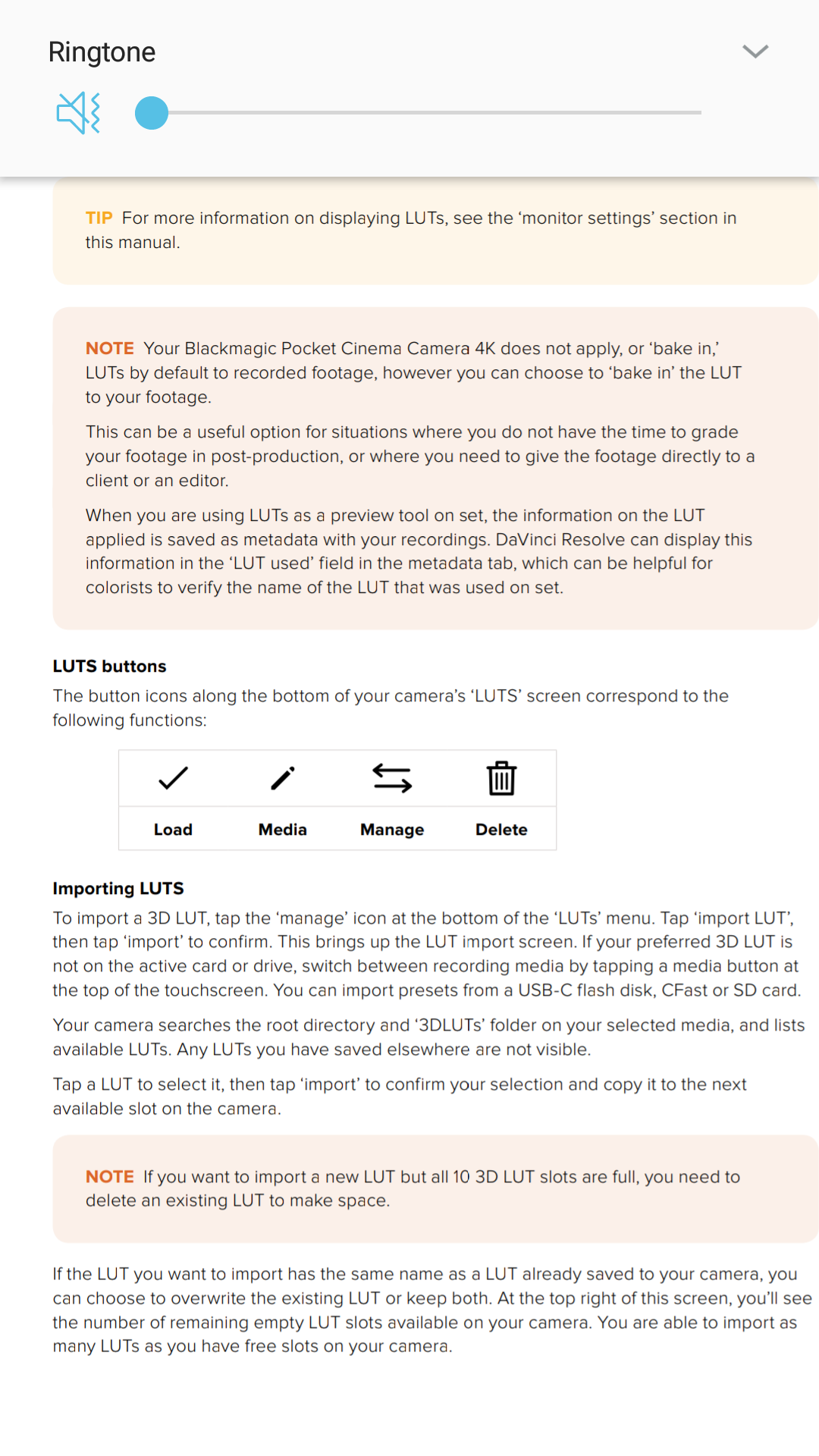
To load 33 point LUTs they have to be created in Resolve. For all other creation methods it will only load 17 point ones.
-
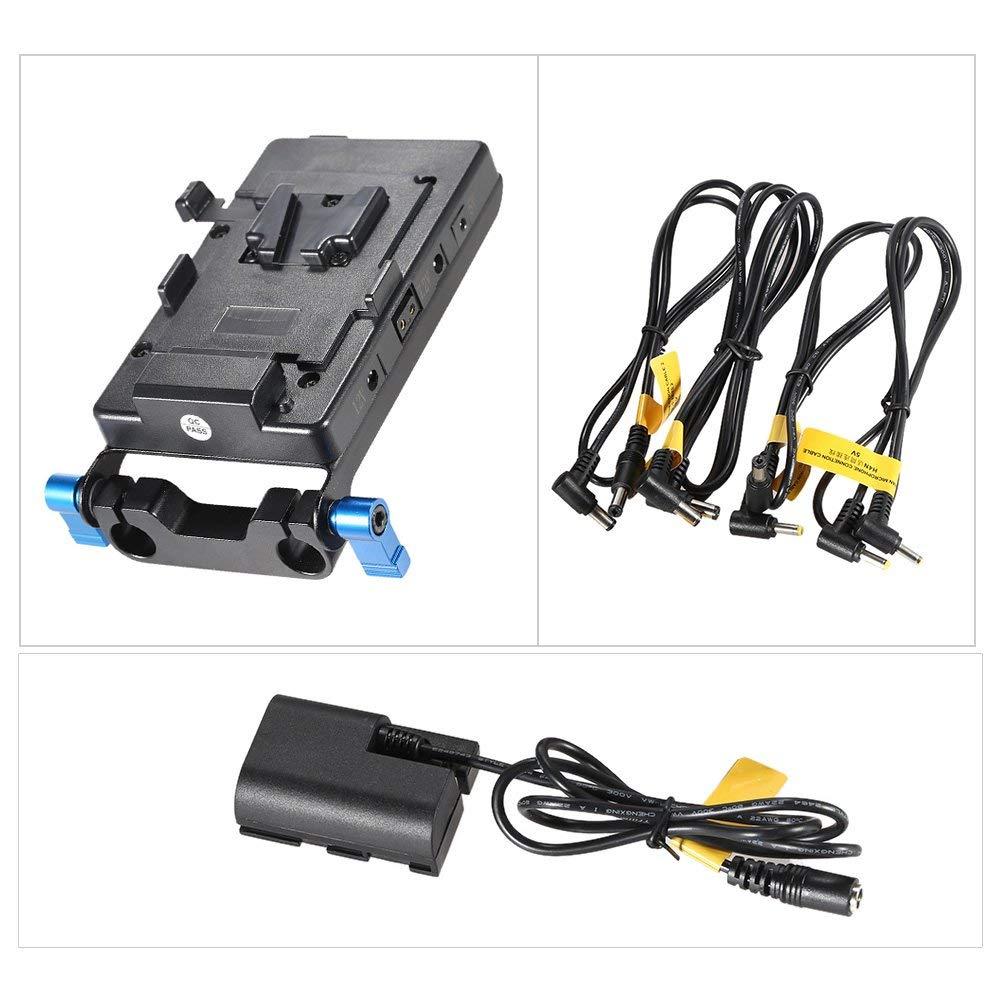
It is a nice idea but a couple of points.... I would be wary of putting anything that close to the exhaust vent on the front of the camera. In the video they describe leaving it on for 3 hours without it getting too hot but I suspect that didn't involve having the camera in record. The second point is that it for people who do want to go V mount then it actually has quite a low capacity (49Wh). The KYTD BP-90, for example is 190Wh and £160 on Amazon. For another £90 you can then use a rail mounted V mount kit like this one which adds all of those additional ports (and actually includes the correct dummy battery for the Pocket 4K !). The total cost will be more than the Core SWX Powerbase but it will be far more flexible in terms of how and where you mount it (horizontal or vertical) so you can keep it away from the exhaust, will let you swap out to different V mounts (or even run it using the £20 Sony F to V mount adapter plates) and will offer almost four times the capacity. That extra capacity can't be underestimated as it might not just be the camera you might be powering off the battery (powering an EVF/External recorder off the Dtap for example) so it means you'll also be able to run a system as a whole for far, far longer.
-
From the look on his face, I think he's actually doing this ...
-
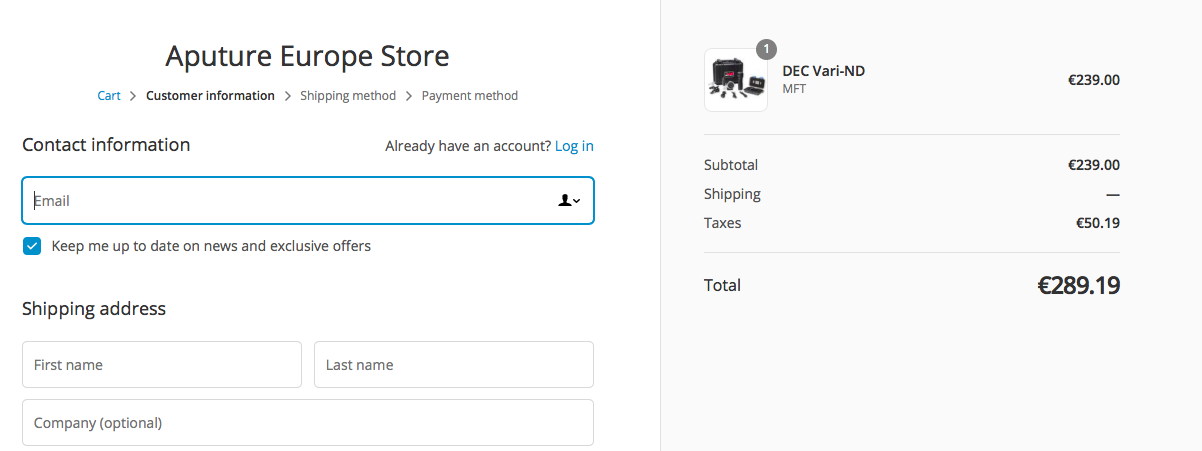
Sorry, your other posts didn't appear on my view (possibly as you are a new member I think so there is a delay) I've just had a look at both sites and its doing the same in terms of emptying the cart when you try to check out whether its the lens regain or ND version. However, on a hunch, on the European one I added one of their Amaran lights first, then added the ND (which is the only one in stock), then removed the light from the cart and it retained the ND in the cart when I went to the checkout as you can see here Try that in the US store as it might be worth a go. Other than that, try the contact page and message them about whats going on as it might just be a weird glitch (which it seems it could be judging by my basket trick).
-
Really enjoyable. I agree with you regarding the initial impression of the build quality. It is almost certainly more robust than it feels but I wouldn't fancy putting that to the test ! The buttons could have done with having a bit more travel or resistance (especially the Record button which on mine at least is so easily activated that it feels more like a touch sensor than a physical switch!) but, yes, I do think its a really nice layout too. The menu system is up there with the Leica T in terms of elegance and simplicity and it would be great in a future update if BM took a similar path as Leica with offering an option for a custom menu screen with just the functions you want from other menus.
-
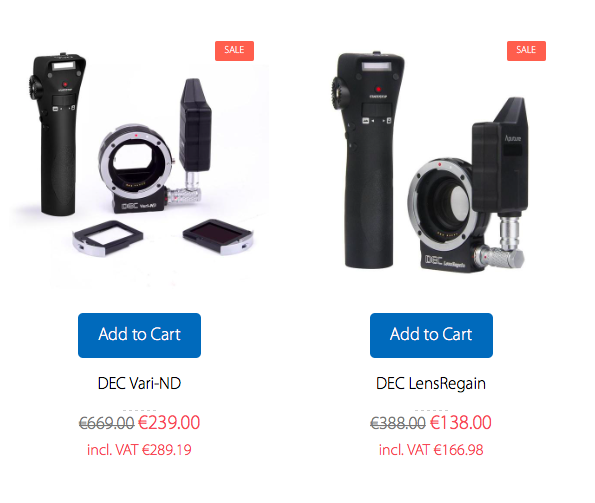
EU Store https://eu.aputure.com/collections/follow-focus US Store https://www.aputure.com/collections/follow-focus
-
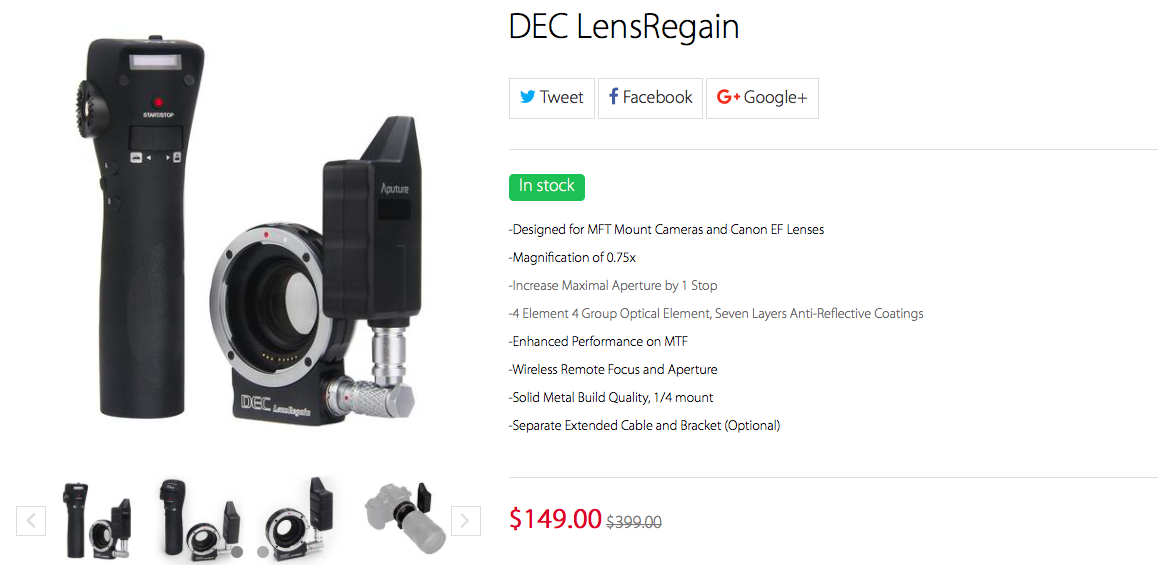
Indeed ! I have the LensRegain version and at the price its at in the US Store (where it seems to be in stock) its worth paying the import duty for https://www.aputure.com/products/dec-lensregain?variant Hopefully it will come back in stock in the EU store. I might actually take a punt on the electronic ND version as well. Unfortunately, the REC button doesn't work on the BM camera though.
-
Just confirming it doesn't work with my Metabones T Ultra with touch AF or one shot AF. Tested with a range of Canon and Tamron lenses both EF and EF-S, none of which work either. Aperture control is fine and the IS is operative but not indicated in the camera. AF works fine on my GX80 obviously but also with my JVC LS300 so its not just a case of it only working on a "native" for want of a better word MFT camera. Considering there is no AF, anyone looking for a focus control option for Canon lenses might want to take a look at the Aputure DEC products as they are both on sale right now. There are two versions, one with a speed booster and the other with electronic ND. Both offer very nice focus wireless focus control with storable points as well as aperture control. If you go for the speed boosted option then obviously you can just use it as an adapter without the additional controllers and remote interface (the thing sticking out that looks like a PocketWizard flash receiver) to keep the form factor down. Absolute bargains at these newly reduced prices. Yes, its got a 4 stage indicator, which makes it 25% more accurate than the cameras 3 stage Full/Some/None indicating strategy
-
It arrives on Tuesday so I'll let you know. As I say, its only about a fiver more expensive than the dummy battery on its own ! The DC connector is very nice but with it being locked I would be concerned about giving it a knock not in terms of it falling out but in terms of it staying in and damaging the port. I think it would be nice if someone did a 3d printed extension housing for the port to feed the cables out of so if you weren't using a cage with a clamping mechanism you'd have some way of protecting it from a knock. Yep, that would be a very handy cable to have in the bag. Anything that lets you use a USB power bank is always a good option. Quite pragmatic solution as well to have the dual USB option if the emergency power pack you've just run into Primark to get doesn't output enough juice so you can run back in to buy another one to make up the difference.
-
Ah right. Sorry. I'm just going to use one of the small £10 SmallRig adapters from my BMPCC that take the Sony F batteries. Cheap and cheerful and mounts to anything (screw mount on the bottom and a velcro strap as well).